
PLAYER GUIDES
Pokemon Gamma guides
Start with the Windows setup, then jump directly to the controls, requirements, safe-download notes, or troubleshooting section you need.
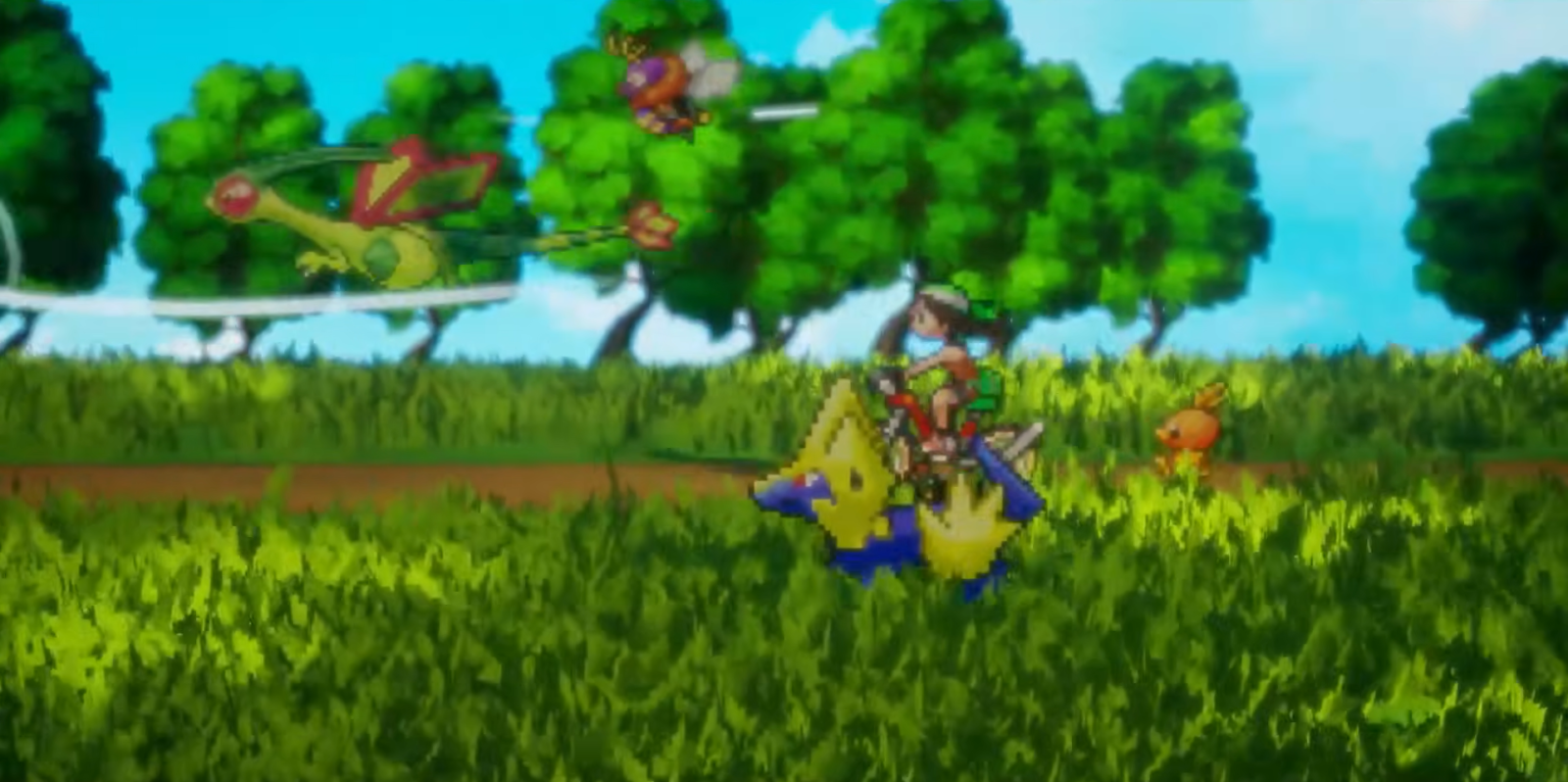
GETTING STARTED
How to play Pokemon Gamma on Windows
A complete first-session guide covering extraction, startup, controls, saving, progression, and common issues.
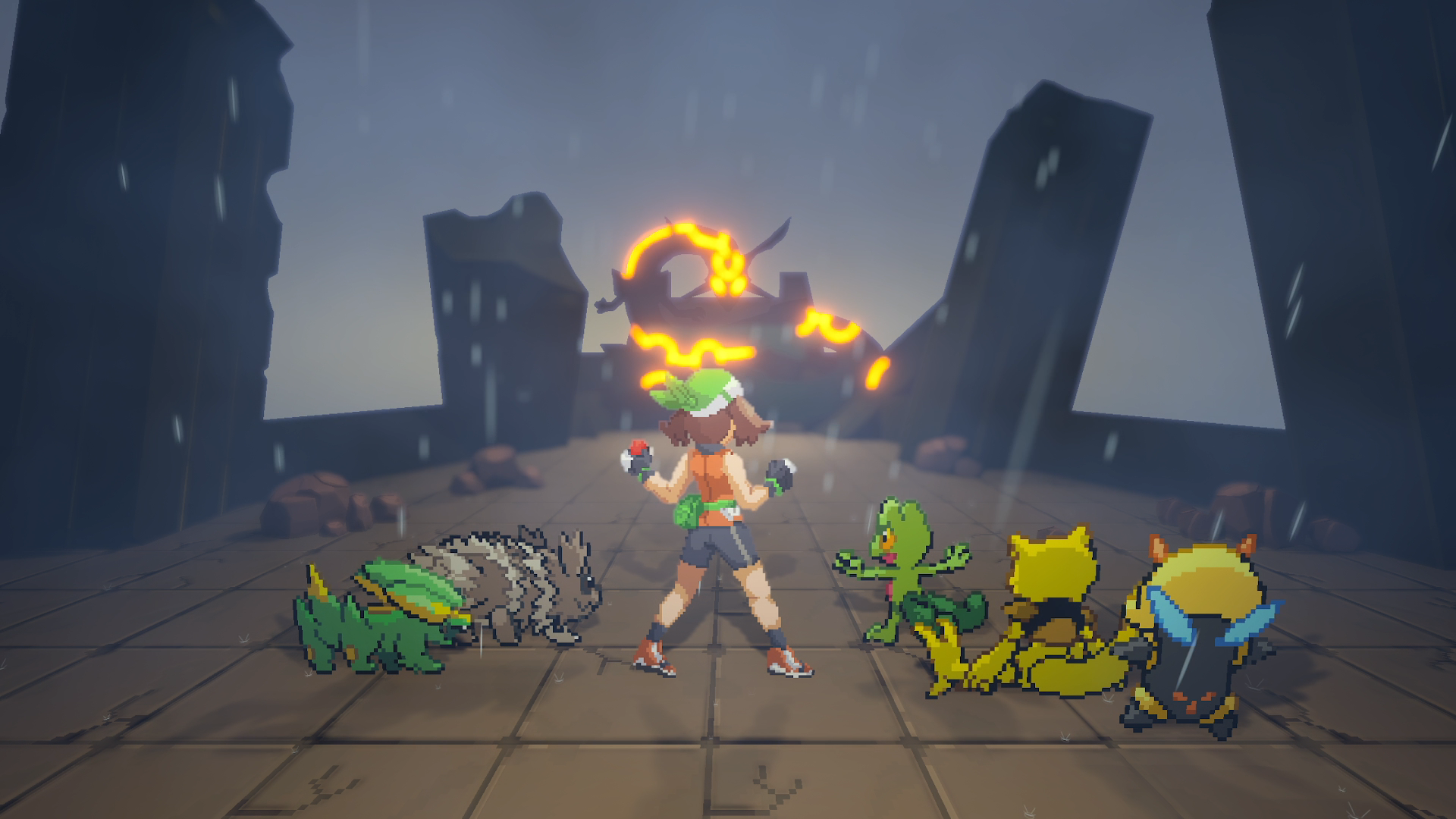
DOWNLOAD
Use the official Pokemon Gamma download
See the current observed build facts and continue safely to the developer-owned release page.
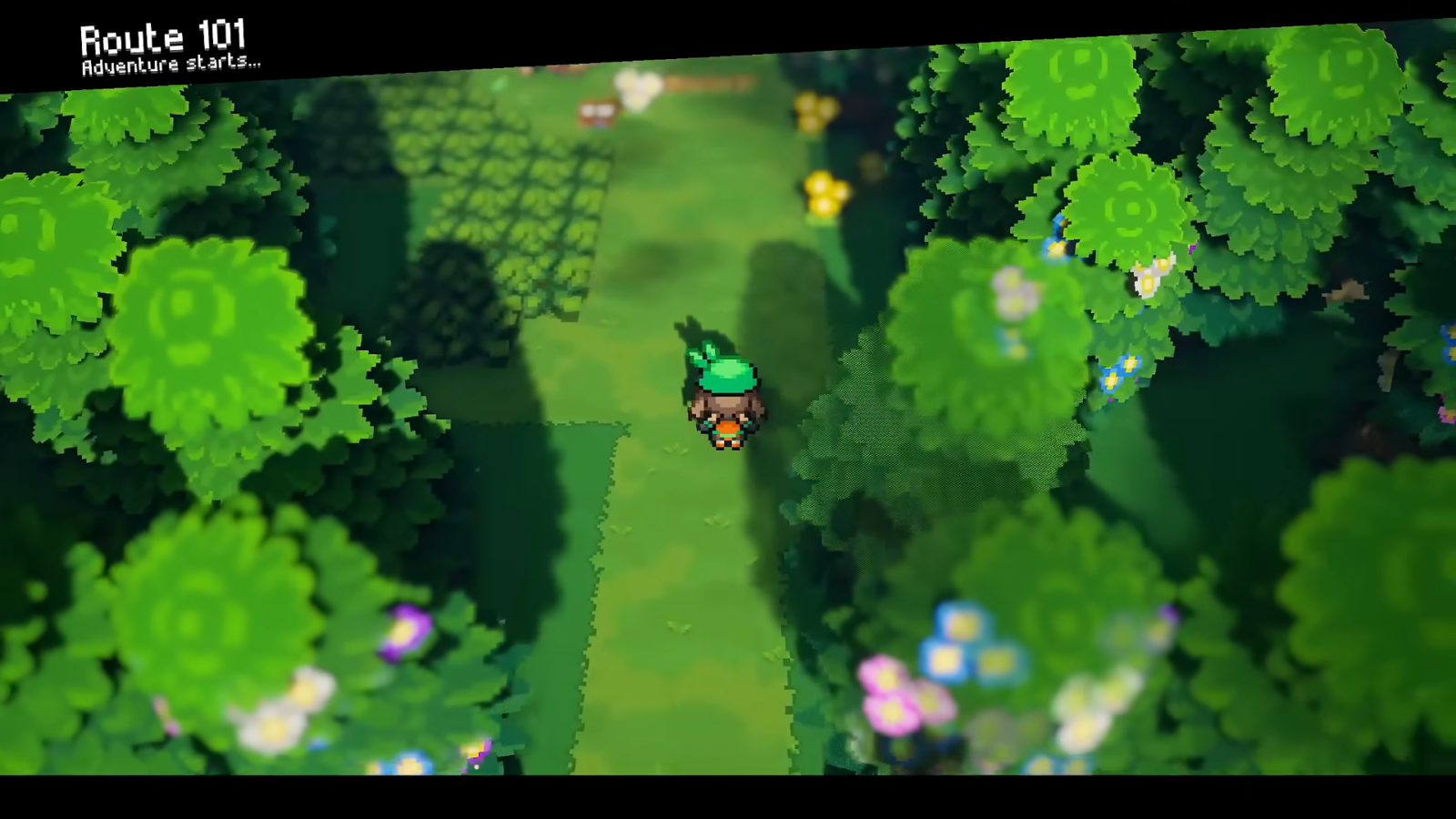
PC CHECK
Compare the Windows requirements
Check operating system, memory, graphics, storage, and the expected first-run shader process.
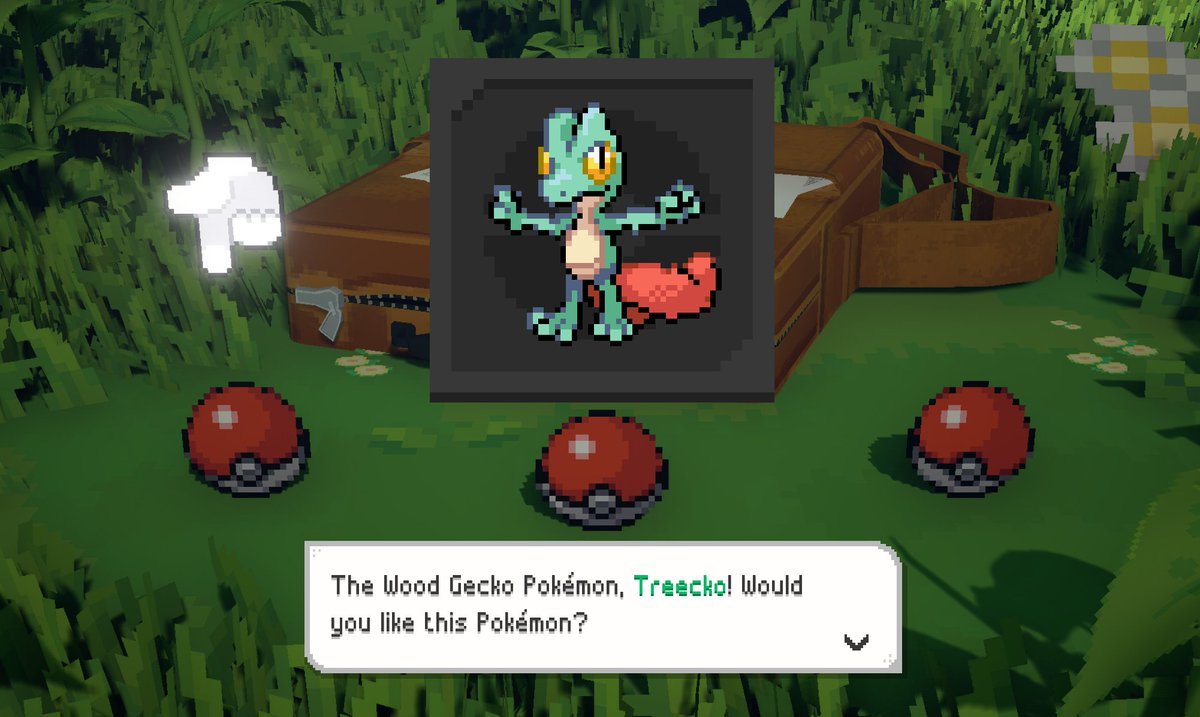
CONTROLS
Keyboard and controller reference
Find the movement, interaction, running, fishing, menu, and registered-action mappings at a glance.
HELP
Troubleshoot first-launch problems
Work through safe checks for slow startup, failed launches, loading hitches, and inconsistent input prompts.